See your shifts and get told about changes
One login, every family you work for, on your phone.
Where to do it: The Shiftaroo app on your phone. It also works in a browser.
Get the Shiftaroo app
Free for support workers. Sign in with your mobile number and your shifts are there.
Step by step
-
Sign in with your mobile number. We text you a code; there is no password.
-
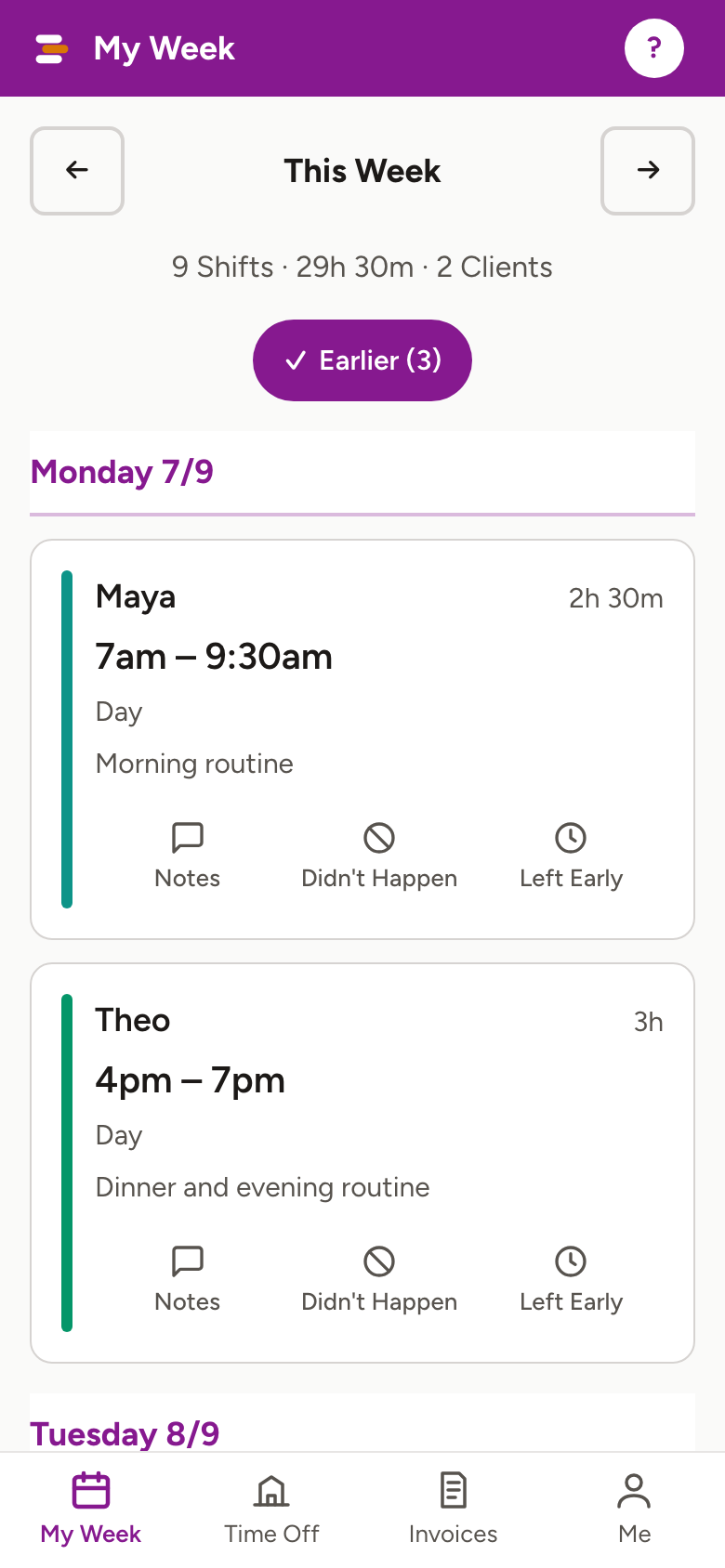
My Week shows your shifts across everyone you work for, day by day. Each card says the family, the times and the hours.
-
Say yes to notifications when the app asks. That is how you hear when a family sends a week, moves a shift, or asks you to cover one.
-
Turn on the calendar sync under Me if you want your shifts in your phone's own calendar. They stay in step when things change, and your calendar gives you a reminder an hour before.
-
Add an email under Me too, so you have a copy of every notice and a second way in if you change phones.
Worth knowing
- Shiftaroo itself sends no reminders before a shift. Notices are about changes. The calendar sync is the reminder.
- No family has added you yet? My Week gives you a message to send them, asking to be added. Your shifts appear the moment they do.
- Set up Face ID under Me to skip the code. On an iPhone, iCloud Keychain has to be on for that.
- You never see another family's roster, and they never see each other.
More for for support workers
Still stuck?
Email support@shiftaroo.app and a person will reply.